11 min read
Free AI Interior Design Apps in 2026: What's Actually Free
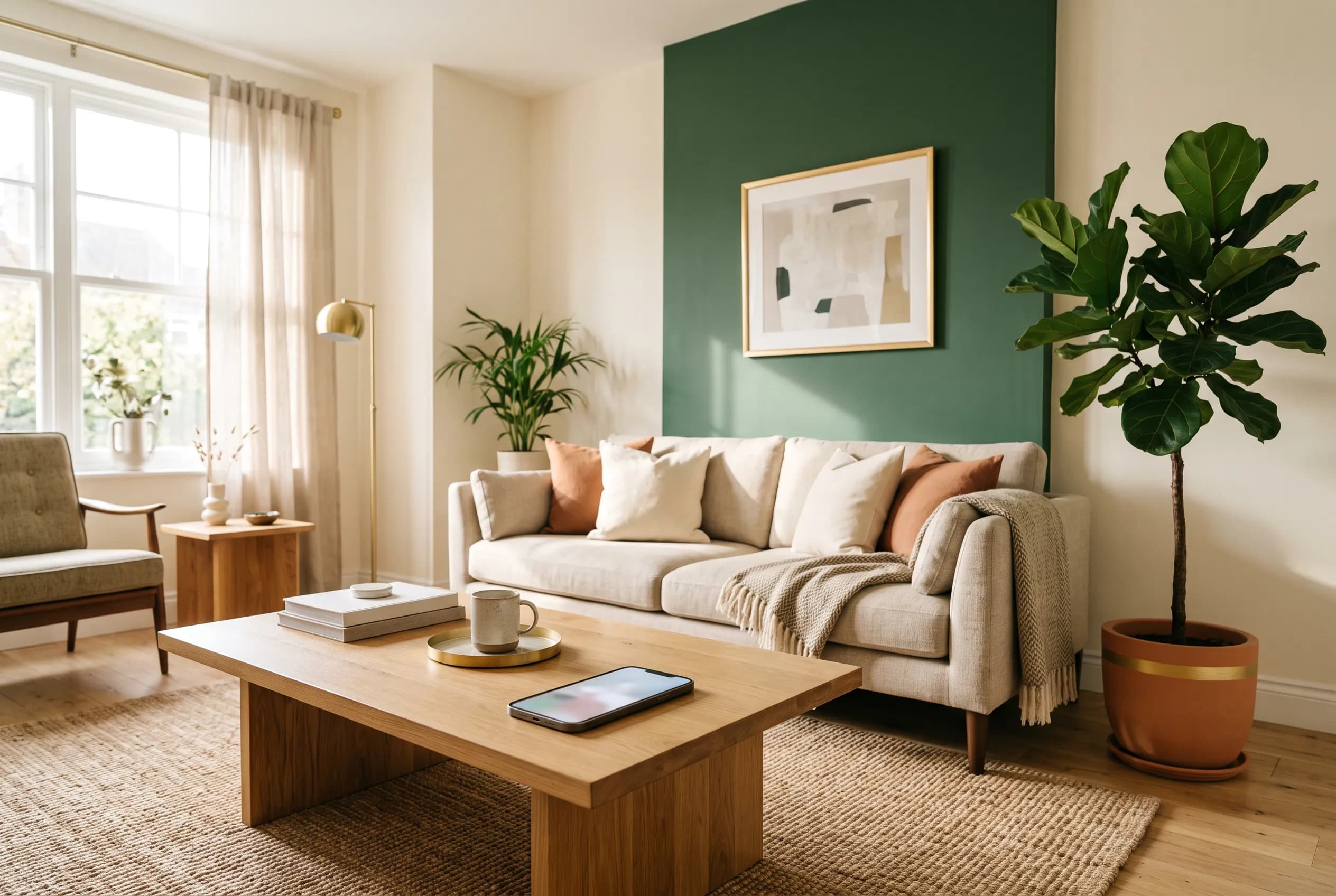
Search for a free AI interior design app and you will get a hundred listicles that call everything free. Most of them are wrong, and not by accident — "free" is the word that gets the click, so it gets attached to tools that give you five images and then ask for a card. The gap between "free to try" and "free to use" is where people waste an afternoon.
So we did the boring thing and read the pricing pages. Below is what each of the main tools actually gives you without paying, checked in August 2026, with the numbers written down so you can verify them yourself. We build InteriorLab, one of the apps in this category, so treat our section with the skepticism you would apply to anyone grading their own homework — the rest of the page is just what the pricing pages say.
First, the three things "free" can mean
Almost every tool in this space uses one of three models, and telling them apart before you sign up saves the most time. A free trial gives you a fixed number of designs once, and then stops — useful for evaluating a tool, useless for an ongoing project. A freemium tier gives you a permanently free level of access with limits, so you can keep using it indefinitely as long as you stay inside them. A free download means the app costs nothing to install, with in-app purchases for the heavier features — the standard mobile model.
The distinction matters more than it sounds. Redesigning one room realistically takes more than five attempts. You will try a style, dislike the sofa, change the palette, and go again. A tool that gives you five lifetime generations is not a tool you can finish a room with; it is a demo. Work out which of the three you are being offered before you upload anything.
- Free trial: a one-time allowance of designs, then a paywall. Good for evaluating, not for finishing.
- Freemium: a permanent free tier with caps. You can keep going, within limits.
- Free download: no cost to install, in-app purchases for advanced features. The common mobile pattern.
- Watch for the card requirement — some trials ask for payment details up front, which is a different commitment.
Tools with a genuinely free tier
Two of the best-known names publish a real, permanent free level rather than a trial.
Planner 5D lists a Free plan at $0 alongside Premium at $19.99/month (or $59.99/year), Professional at $49.99/month (or $399.99/year), and custom Enterprise pricing. The free plan covers unlimited projects across web and mobile and roughly half of the furniture catalog. The catch is that the AI features are metered separately: AI Studio credits are attached to the paid tiers, with 100 credits a month on Premium and 1,000 on Professional. So Planner 5D is genuinely free as a floor-planning and 3D layout tool, and paid as an AI rendering tool. It runs on web, iOS, Android, macOS, and Windows.
Homestyler also offers a free tier, with paid add-ons available on top. It leans toward the floor-plan-and-catalog end of the category, advertising a library of over 10 million branded 3D furniture models, plus AI features including a chat-based design agent, an AI planner, image-to-video, and image-to-3D. It is on web, iOS, and Android. Homestyler does not lay out its tier prices on its main pages, so treat the paid side as "check before you commit" rather than a known quantity.
- Planner 5D — Free $0 tier: unlimited projects, ~50% of the furniture catalog, web + mobile. AI credits are paid-tier only.
- Homestyler — free tier plus purchasable add-ons; 10M+ branded 3D models; tier prices not published on the site.
- Both are strongest for floor plans and layout rather than one-tap photo restyling.
Tools that are trial-only, or paid from the start
This is where most of the "free AI interior design" search results quietly fall apart.
REimagine Home offers a free trial of 5 designs with no card required, which is a fair way to evaluate it. After that the plans run Essential at $14/month for 30 credits, Pro at $35/month for 200, Advanced at $70/month for 400, and Agency at $99/month for 900. It uses a credit system where a design or styling generation costs 1 credit, a generation that also finds and visualizes real products costs 2, and conversational refinement costs nothing. That last detail is genuinely thoughtful — iterating in chat does not burn your allowance. It is a web product; the site does not advertise native mobile apps.
Interior AI has no free tier at all. Its plans start at Pro for $49/month, or $29/month billed yearly, for 1,000 designs; Premium is $99/month ($49 yearly) for 5,000; Ultra is $199/month ($99 yearly) for 25,000. It is aimed squarely at professionals and volume users, and the feature list reflects that — 55+ styles, virtual staging, sketch-to-image, SketchUp integration, and 3D flythrough video on the higher tiers. If you are a realtor staging listings at volume, the per-design cost is reasonable. If you want to redesign your own living room, you are buying a lot of capacity you will not use.
- REimagine Home — 5 free designs, no card. Then $14/$35/$70/$99 a month for 30/200/400/900 credits.
- Interior AI — no free tier. $49/mo (or $29/mo yearly) is the entry point, for 1,000 designs a month.
- Both are web-first and priced around professional volume rather than one-off home projects.
Tools that don't publish their pricing
A category worth naming, because an unpublished price is information too. DecorMatters is on iOS and Android and combines room design with AR tools and a large community gallery — over 21 million user-created designs — but it does not disclose tier prices on its site; you find out after installing. RoomGPT, one of the more widely used web tools with over 4 million users by its own count, keeps its pricing behind a login on the pages we checked.
Neither of these is a red flag on its own — mobile apps routinely put pricing in the store listing rather than on the marketing site, and store listings do show in-app purchase ranges. But it does mean you cannot compare them on price without signing up, so budget the time. Check the App Store or Play Store listing first; the in-app purchase section there is usually the fastest honest answer.
- DecorMatters — iOS and Android, AR tools, 21M+ community designs; prices not on the site.
- RoomGPT — web, 4M+ users claimed; pricing behind a login on its public pages.
- Check the App Store or Play Store in-app purchase list before installing anything.
How to judge a free tier before you spend an evening on it
Once you know which model you are dealing with, a few questions sort the useful free tiers from the decorative ones. The first is simply how many attempts you get, because the number that matters is not one good render — it is how many times you can iterate before the tool stops. Design is revision. A tier that allows five attempts allows one idea.
Then check what happens to your work. Can you export at a resolution you can actually use, or is the free output watermarked and small? Are your projects saved, or lost when the trial ends? And check whether the free tier includes the specific thing you came for — several tools here are free for layout and paid for AI rendering, which is a perfectly reasonable split but not what you assumed when you clicked "free AI design".
Finally, be honest about the job. Someone staging six listings a month and someone redecorating one bedroom need completely different tools, and the second person should not be paying professional rates. Match the tier to the actual project, not to the most impressive feature list.
- Count the iterations, not the renders — can you revise, or only generate once?
- Check export quality: watermarks, resolution limits, and whether you keep the files.
- Confirm the AI feature you want is in the free tier, not just the app.
- Confirm your projects persist after a trial ends.
- Match the plan to your real volume — professional tiers are wasted on one room.
Where InteriorLab fits
InteriorLab is free to download on iOS 17 and up and on Android, with in-app purchases for the heavier features — the third model described at the top of this page. We are not going to claim it is the cheapest tool in every scenario, because that depends entirely on how much you generate; a realtor running hundreds of stagings a month is genuinely better served by a volume plan somewhere else.
What it is built for is the case most people in this search actually have: one real room, a limited budget, and a decision to make about furniture. You photograph the room, or LiDAR-scan it if you want the proportions exact, and the AI redesigns it across 19 styles in seconds. From there the useful, unglamorous parts take over — highlight a single sofa, rug, or lamp to replace, recolor, or remove it without redoing the whole render, clear clutter with Magic Erase, or rearrange the furniture you already own into a better layout and spend nothing at all.
When you get to buying, Shop the Room links pieces in a design to real products, the Budget Planner finds combinations that fit a limit you set, and Furniture Fit shows a specific chair or table in your actual room in AR before you commit. That last group is the part that tends to matter more than render quality, because the expensive mistake in interior design is almost never a bad image — it is a sofa that does not fit.
A note on these numbers
Every price and limit above was read off the companies' own pricing pages in August 2026, and this category changes its pricing often. Before you buy anything, open the pricing page and check — if a number here no longer matches, the pricing page is right and we are out of date. We would rather tell you that than have you trust a stale table.
Frequently asked questions
Is there a genuinely free AI interior design app?
Yes, but read the fine print. Planner 5D publishes a permanent Free plan at $0 with unlimited projects and about half its furniture catalog, though its AI Studio credits sit on the paid tiers. Homestyler also has a free tier with paid add-ons. Mobile apps including InteriorLab and DecorMatters are free to download with in-app purchases. What is generally not free is unlimited AI rendering — that is the metered part almost everywhere.
What is the cheapest paid AI interior design tool?
Of the tools with published pricing checked in August 2026, REimagine Home has the lowest entry plan at $14 a month for 30 credits. Planner 5D's Premium is $19.99 a month, or $59.99 a year, which works out cheaper annually. Interior AI starts at $49 a month, or $29 a month billed yearly. Prices in this category change frequently, so confirm on the pricing page before subscribing.
How many free designs do you usually get?
It varies widely and it is the number worth checking first. REimagine Home offers 5 free designs with no card required. Interior AI offers no free tier at all. Freemium tools like Planner 5D let you keep working indefinitely on the free plan but meter the AI generations separately. As a rule, assume a trial allowance is enough to evaluate a tool and not enough to finish a room.
Do free AI interior design tools watermark the results?
Many do, and free tiers also commonly limit export resolution. If you need the image for anything beyond your own reference — a listing, a contractor, a shared decision with a partner — check the export terms of the free tier specifically rather than assuming, because it is one of the most common things reserved for paid plans.
Which one should I use for a single room?
For one room, avoid the professional tiers entirely — they are priced for volume you will not use. A free-to-download mobile app or a freemium tier will cover it. Prioritise iteration allowance over render quality, since you will revise more than you expect, and prioritise tools that connect the design to real, buyable furniture if the point of the exercise is actually to change the room rather than to look at it.