9 min read
The Best AI Interior Design Apps in 2026
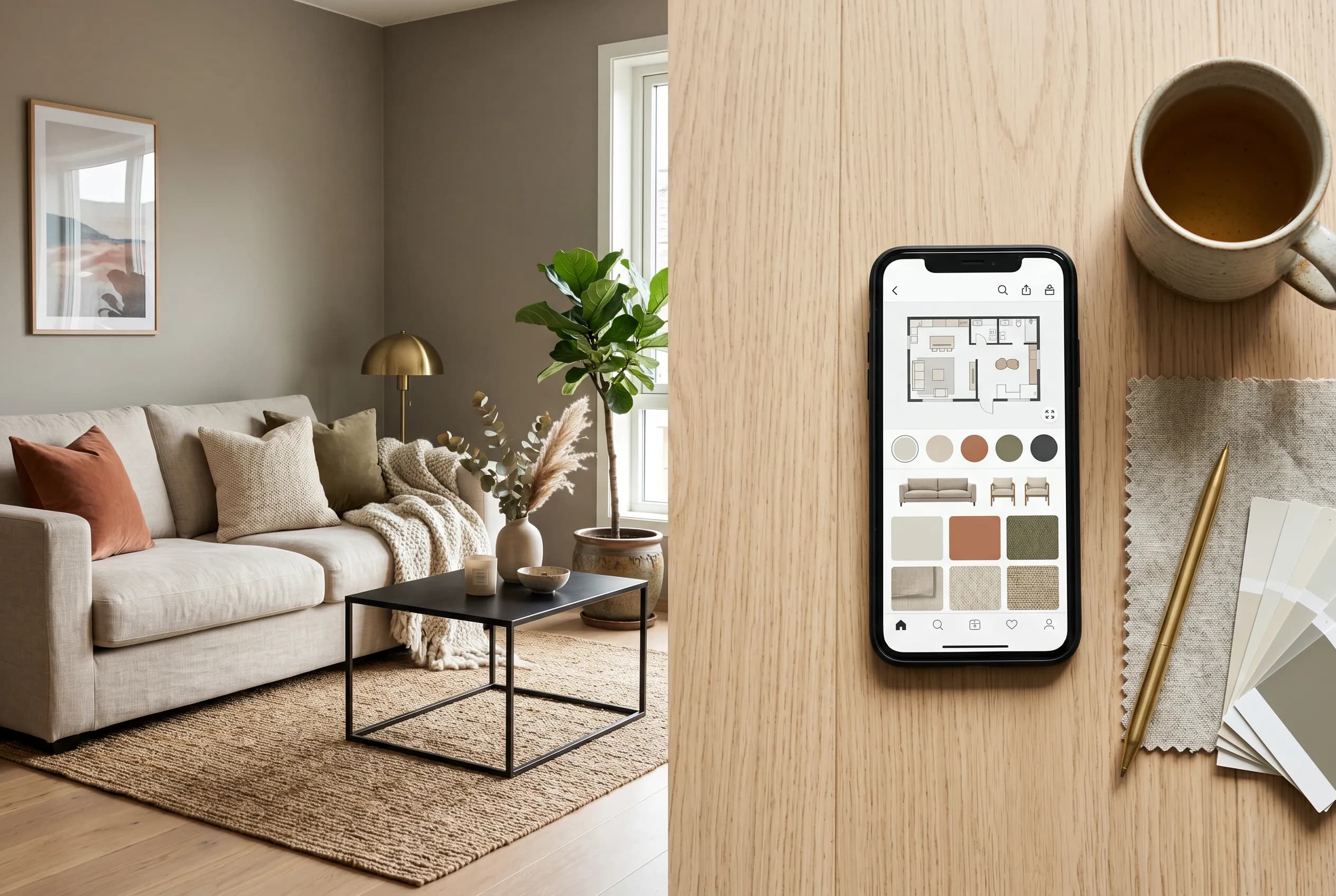
A few years ago, redesigning a room meant a mood board, a tape measure, and a long afternoon dragging furniture across a website to see if anything looked right. AI design apps have collapsed most of that into a photo and a few taps. The catch is that "AI interior design" now covers wildly different tools — some are render engines that repaint a photo, some are shopping catalogs with a visualizer bolted on, and a few try to handle the whole arc from inspiration to a buyable plan.
This roundup is meant to be useful rather than promotional. We will sort the field into the categories that actually matter, point out what separates a good app from a pretty demo, and name where each type shines. We build InteriorLab, so we are upfront about where it fits — but the goal here is to help you choose the right tool for your room, even if that tool is not ours.
The categories of AI design tools (and what each is for)
Most apps marketed as "AI interior design" belong to one of four buckets, and knowing which one you are looking at saves a lot of disappointment. The marketing copy rarely tells you, so the fastest way to judge is to ask what the app actually produces at the end.
A render-first tool takes a photo of your room and repaints it in a chosen style. It is great for quick inspiration and before/after drama, but the output is often a single fixed image you cannot edit piece by piece. A catalog-first tool starts from a furniture retailer's inventory and lets you place real products into a generic or scanned space — useful when you already know roughly what you want to buy. A planning-first tool cares about layout, dimensions, and floor plans, which matters for renovations and new builds. And an end-to-end tool tries to connect all three, so the pretty render also tells you what to buy and how much it costs.
- Render-first: fast style inspiration from a photo; usually a fixed image you can't edit in detail.
- Catalog-first: place real, shoppable products; strongest when you already know the look you want.
- Planning-first: floor plans, measurements, and layout; built for renovations and moves.
- End-to-end: render, edit, plan, and shop in one place; fewer apps do this well.
What separates a good app from a good demo
Almost every app produces one impressive screenshot. The difference shows up on the second and third try, when you want to change something specific. A render that looks beautiful but treats your room as one frozen image is a dead end the moment you decide the rug is wrong but the sofa is perfect.
Editability is the first thing to test. Can you point at a single object — a lamp, a wall, a chair — and replace, recolor, or remove it without regenerating the entire scene? Spatial accuracy is the second. A model that respects your real walls, windows, and proportions gives results you can act on; one that hallucinates a bay window you don't have is just art. The third is whether the output connects to the real world: are the pieces in the render things you can actually buy, and does the app respect a budget?
- Object-level editing — change one item, not the whole picture.
- Spatial fidelity — does it honor your real room, ideally via a LiDAR scan?
- Shoppability — are the results buyable, or just inspirational?
- Style range — a handful of presets versus a genuine spread of looks.
- Export and sharing — high-res images you can save, compare, and send.
Knowing your design vocabulary helps you steer the AI
AI apps are only as good as the direction you give them, and a little design literacy goes a long way. Style names are not interchangeable labels — they carry real history and rules. Scandinavian design grew out of mid-century Nordic functionalism, leaning on pale woods like ash and birch, restrained palettes, and the principle that an object should earn its place. Japandi fuses that Nordic restraint with Japanese wabi-sabi, favoring low profiles, matte finishes, and a quieter color story. Mid-century modern, shaped by designers like Charles and Ray Eames and Eero Saarinen, prizes clean lines, organic curves, and warm woods such as teak and walnut.
Color logic matters just as much. A reliable starting point is the 60-30-10 rule — roughly 60 percent dominant tone, 30 percent secondary, 10 percent accent — which keeps a room from feeling either flat or chaotic. When you can tell an app "warm minimalist with walnut accents and a muted olive" instead of just "make it nice," you get results that look intentional. The better apps reward that specificity, and the best ones let you adjust the result afterward when reality and the render disagree.
A short, even-handed comparison
Rather than rank apps one through ten, it is more honest to describe what each kind does best, since the right pick depends on whether you are decorating a rental, gutting a kitchen, or just chasing ideas. Here is how the main types tend to stack up, with InteriorLab placed where it actually fits.
- Quick inspiration and style transfer: render-first apps are fast and fun. InteriorLab covers this too — snap or LiDAR-scan a room and the AI redesigns it in seconds across 19 styles.
- Editing specific items: look for object-level control. InteriorLab lets you highlight a sofa, rug, wall, or lamp to replace, recolor, or remove it, including a Magic Erase for clutter.
- Buying real furniture: catalog-first apps lead here, and InteriorLab's Shop the Room links many pieces in a design to real products, with a Budget Planner that finds combinations within a set spend.
- Renovations and floor plans: planning-first tools matter. InteriorLab turns a floor plan into a photorealistic 3D view of the finished home.
- Testing pieces in your actual space: AR preview is the deciding feature. InteriorLab's Furniture Fit shows real furniture in your room in AR before you buy.
- Working with what you own: rearrangement is underrated. InteriorLab can reshuffle your existing furniture into new layouts so you spend nothing.
Where InteriorLab fits
We built InteriorLab as an end-to-end app because the part people find hardest is not generating one nice image — it is turning an idea into a room they can actually live in and afford. So the workflow runs from a photo or a LiDAR scan, through instant redesign in 19 styles, to detailed edits, to a shoppable plan with a budget you control.
The features that tend to matter most in daily use are the unglamorous ones: replacing a single lamp without redoing the whole render, erasing a radiator that ruins the shot, rearranging the furniture you already own before deciding you need new pieces, and checking how a specific chair sits in your room in AR before you spend a cent. You can save designs, compare before and after, and export high-resolution images to share. It is free to download on iOS 17 and up and on Android, with in-app purchases for the heavier features.
None of this makes other apps wrong. If you only want fast inspiration, a render-first tool may be all you need. If you are committed to one retailer's catalog, their visualizer might serve you better. The point of an honest roundup is that the best app is the one matched to your task — and for people who want the whole arc in one place, that is the gap we set out to close.
Frequently asked questions
Are AI interior design apps actually accurate to my real room?
It depends heavily on how the app captures your space. Apps that only repaint a single photo can drift from your true dimensions, while apps that use a LiDAR scan keep walls, windows, and proportions honest. InteriorLab supports both a quick photo and a LiDAR scan, so you can trade speed for accuracy depending on the project.
Can I edit just one item instead of regenerating the whole design?
In many render-first apps, no — you get a fixed image and have to start over. The better tools offer object-level editing. InteriorLab lets you highlight a specific sofa, rug, wall, or lamp to replace, recolor, or remove it, with a Magic Erase for taking out clutter without touching the rest of the room.
Do these apps actually help me buy furniture, or just imagine it?
That varies by app. Catalog-first tools are built around buying, while pure render apps stop at inspiration. InteriorLab's Shop the Room links many pieces in a design to real, buyable products, and its Budget Planner finds combinations that fit a spending limit you set, so the render connects to a plan you can act on.
Are AI interior design apps free?
Most use a freemium model: free to download with paid tiers for advanced features or higher usage. InteriorLab is free on iOS 17 and up and on Android, with in-app purchases that unlock heavier capabilities like detailed editing, floor-plan-to-3D, and AR previews.